Lab 1-1 Creating Virtual Hard Disks
Overview
"The lab consists of four tasks. The objective of the lab is to create virtual hard disks to simulate real hard disks. Using VHDs is much easier than real hard disks for our labs, so we will be using the virtual hard disks as an evidence drive or storage device."
Task 1:
Description:
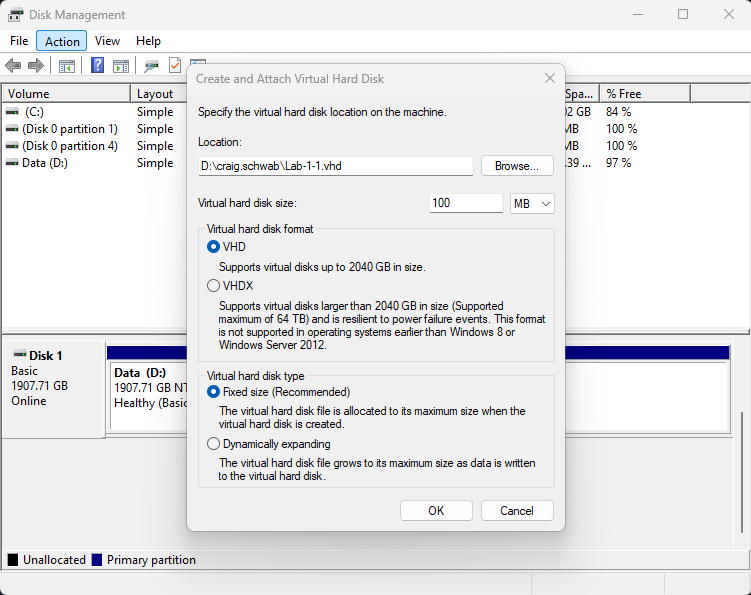
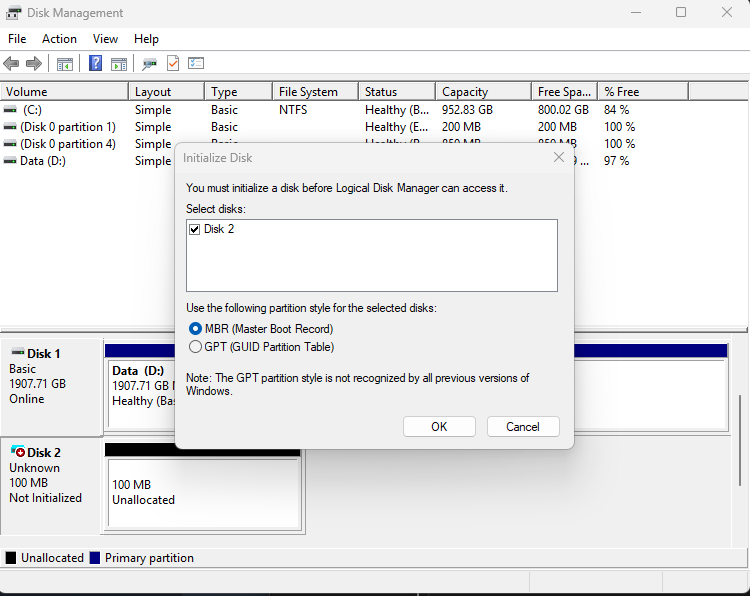
Create a virtual hard disk as follows (Disk Management > Action > Create VHD):
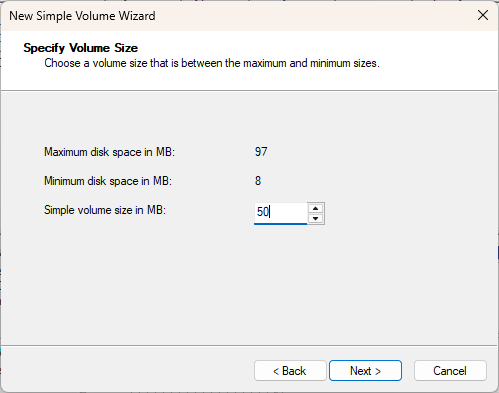
The VHD size is 100 MB
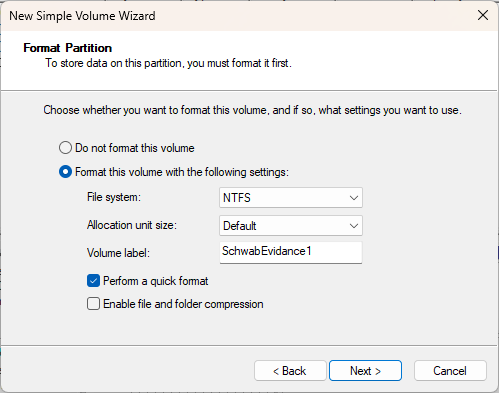
Call the volume as follows: YourLastName_evidence1
Format the VHD into an NTFS file system
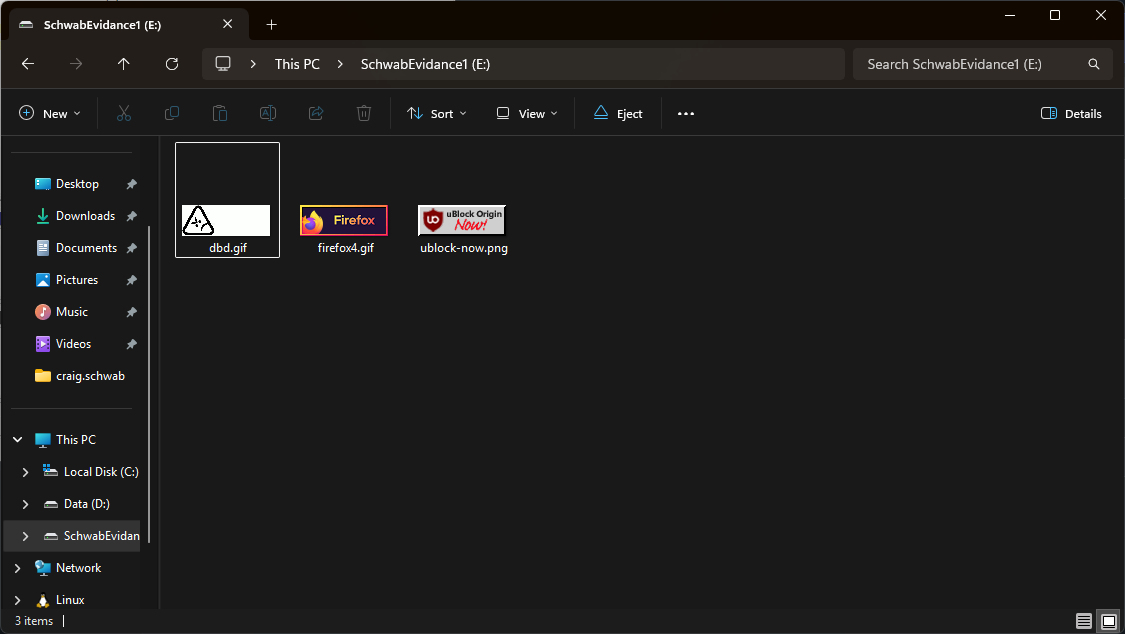
Add some files to your VHD: images, documents, and PDFs
Task 2:
Description:
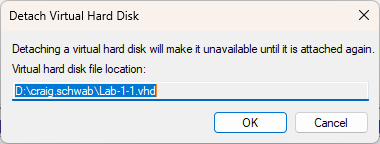
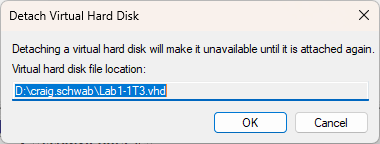
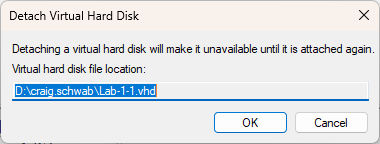
Detach the VHD that you have created in task #1 (Right-click Disk # corresponding to your VHD > Detach VHD)
Task 3:
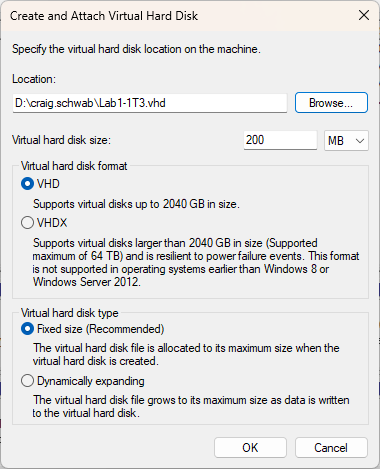
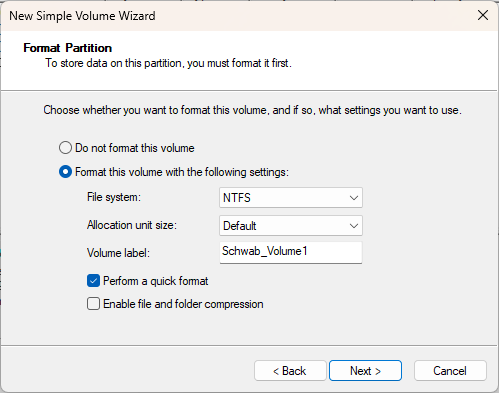
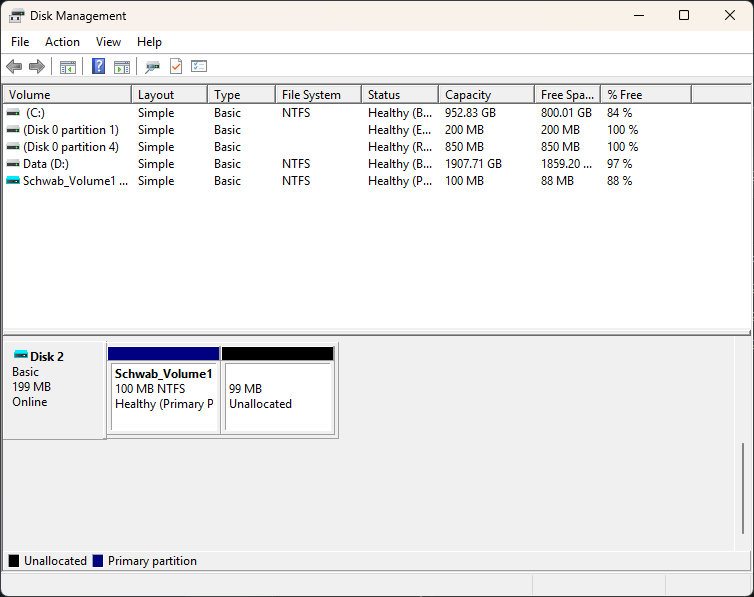
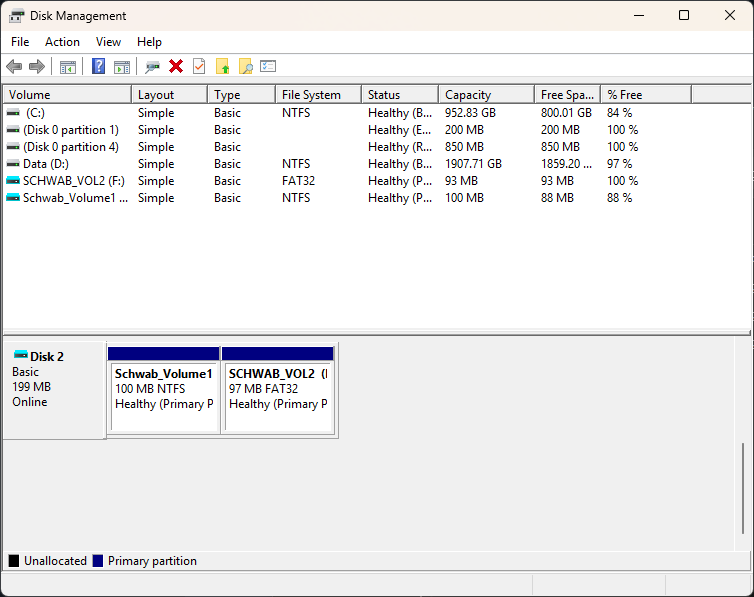
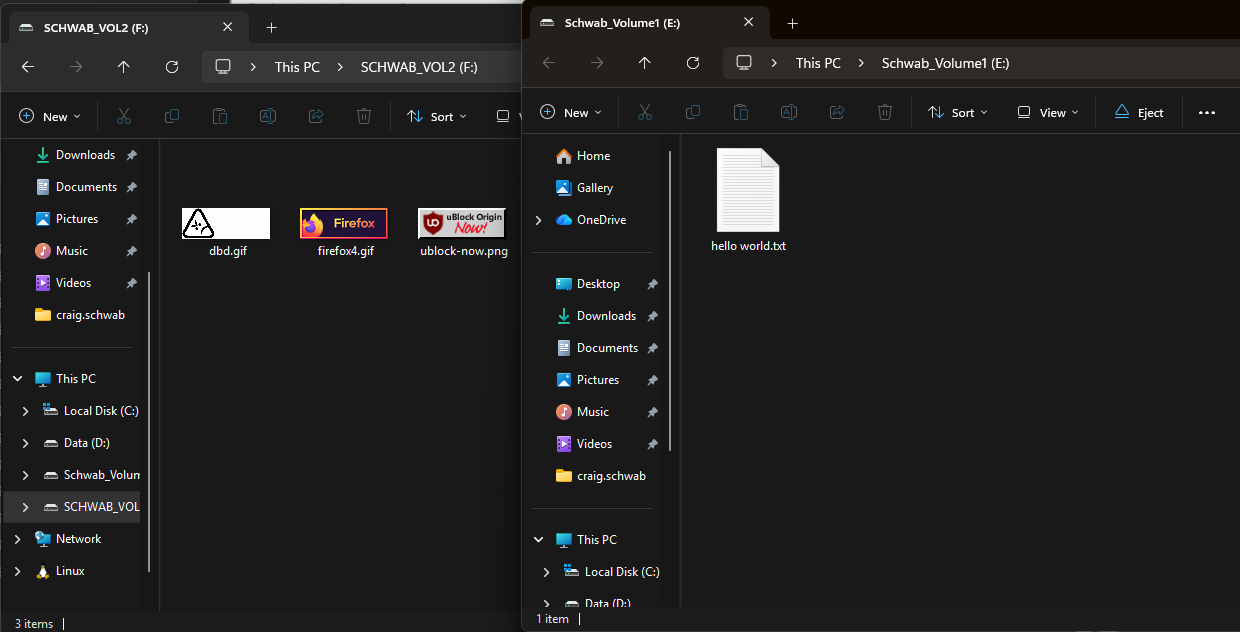
Description: Create a virtual hard disk as follows: The VHD size is 200 MB Initialize the disk and add a new NTFS volume (100 MB). Call the volume as follows: YourLastName_volume1 Add a second volume with a FAT32 file system. Call the volume as follows: YourLastName_volume2 Add different files to your two volumes images, documents, and PDFs
Task 4:
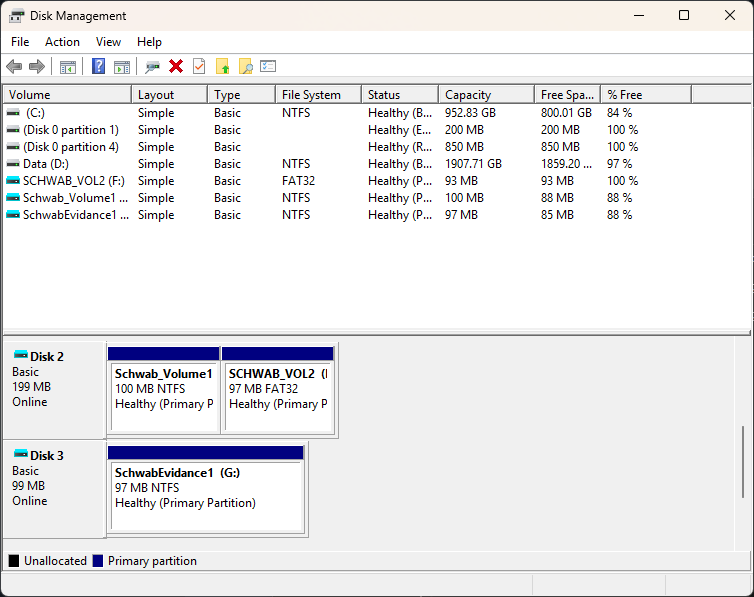
Description: Attach the VHD (Action > Attach VHD) that you have created in task #1 Detach the two VHDs that you have created Questions: How many disks are in your system? 4 Disks
Task 5:
Questions: Reflect what you learned in this lab: In this lab I had a refresher on how to creating VHDs and making disk partitions.